Tutorial
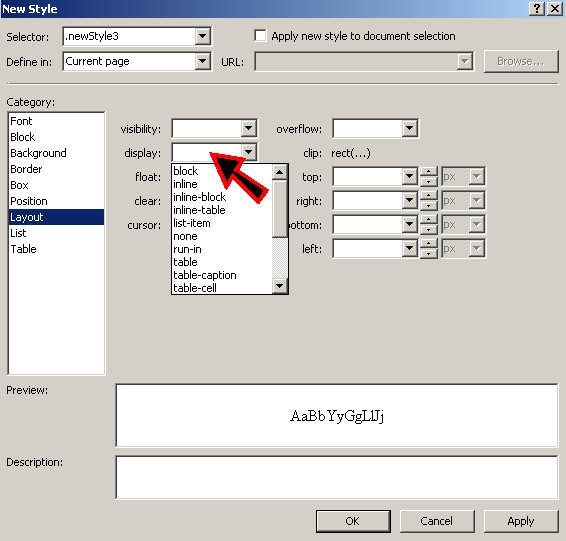
What I would like to see in a tutorial is a description of all the "New Style" categories and what they do. As an example, in the image below, what does block, inline, inline-block, inline-table etc; do? Is there a help section that tells you what each of these selections do?
and this style
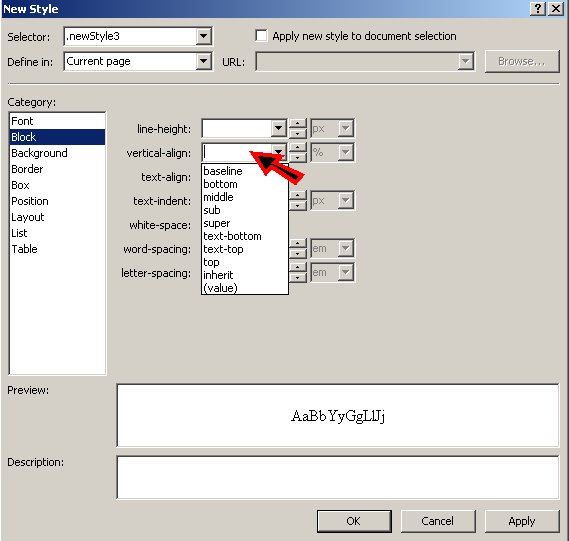
When I click on Block and seclect vertical-align, I get all those options but I have no idea what they can do, if anything, in relation to the bulleted list. Supposing I wanted my text to be in the middle of the above button and not at the top, how can I achieve that? The new style for the Font, Background, Border and Box are fairly easy to understand but all the rest need some explanation.